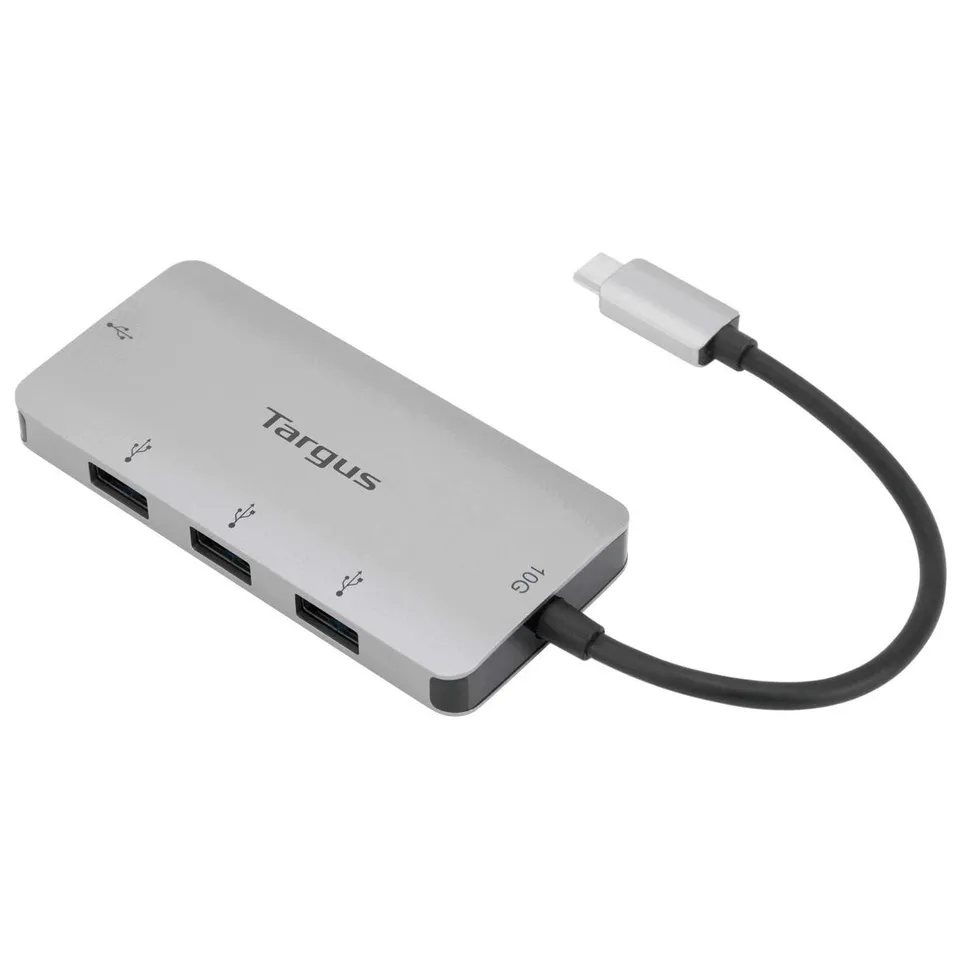
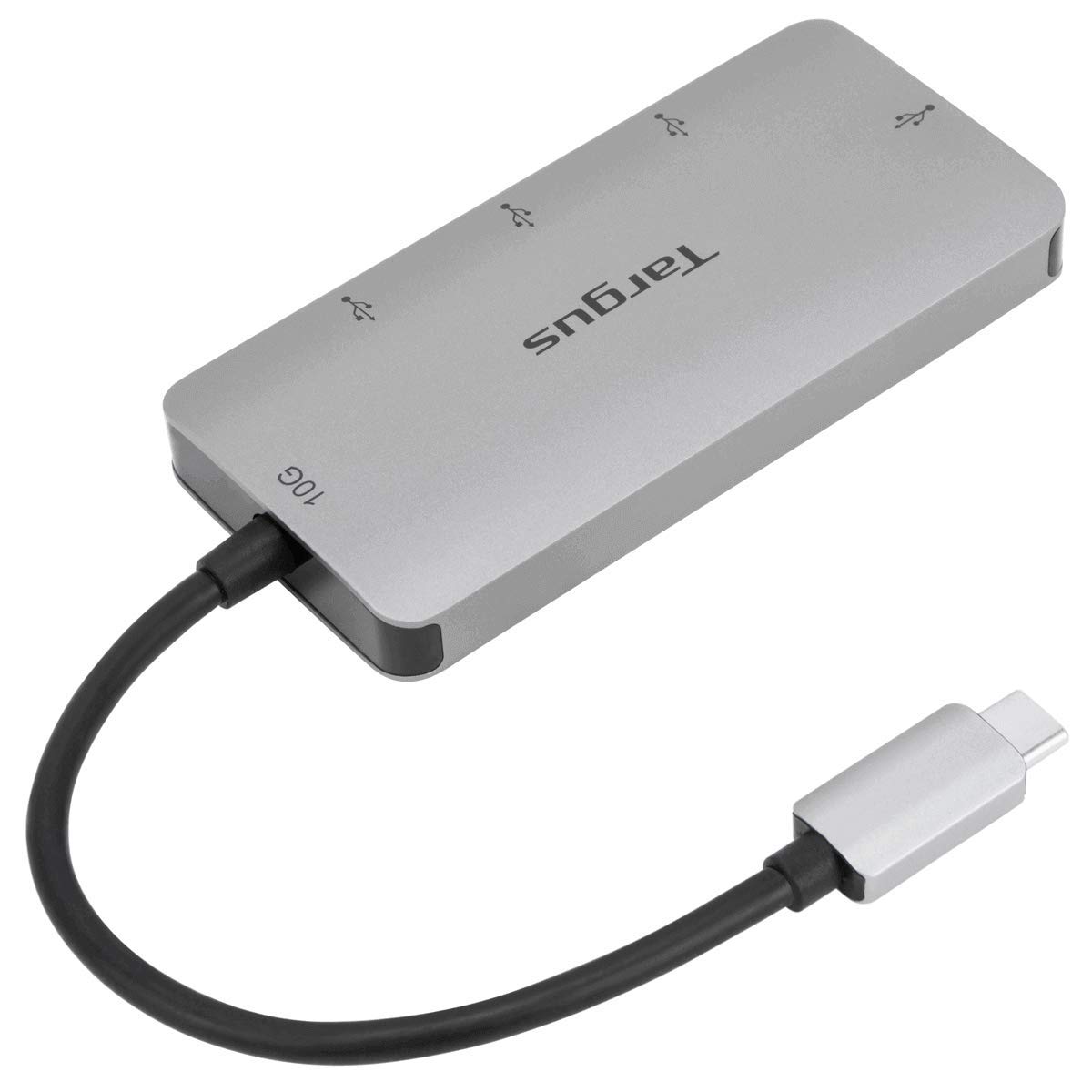
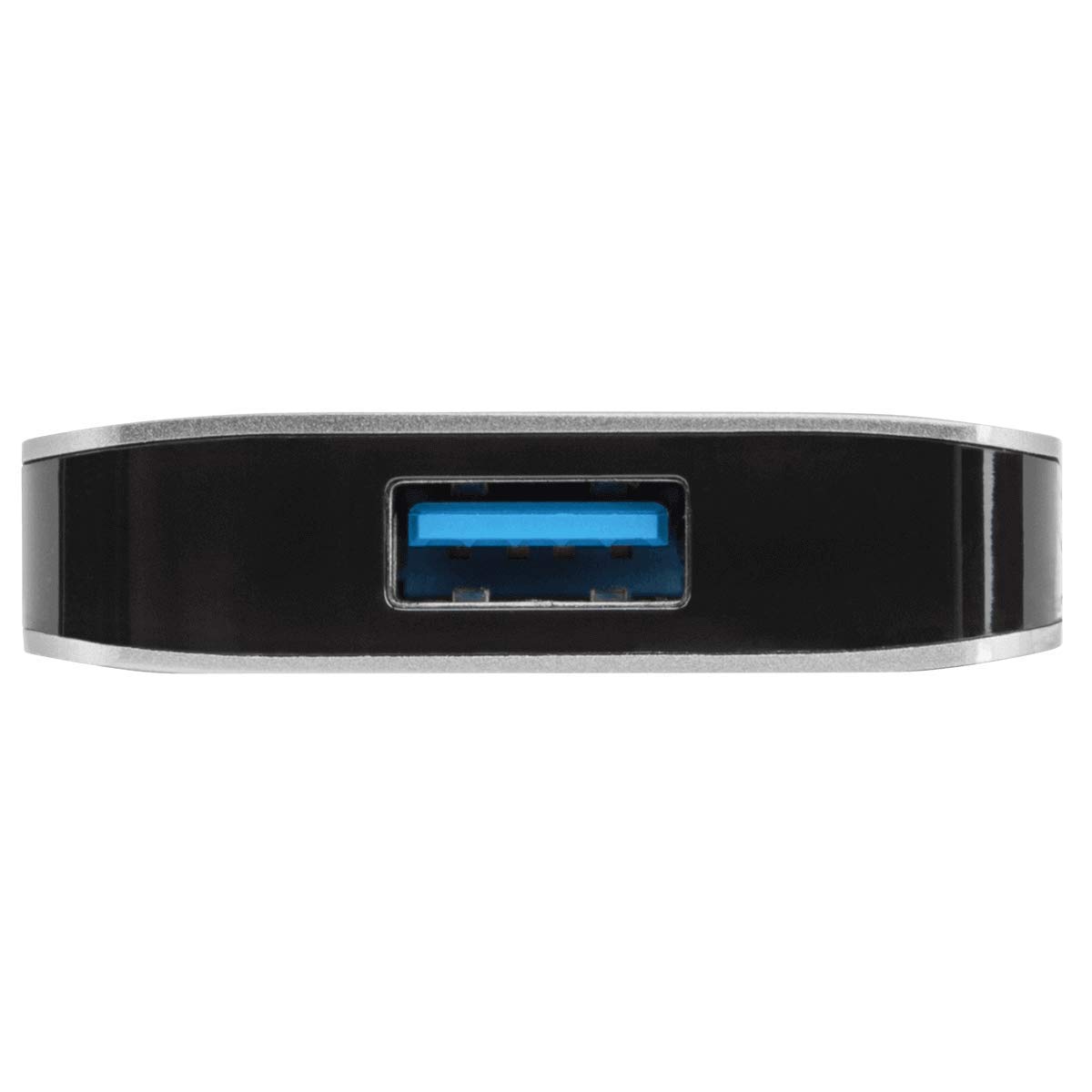
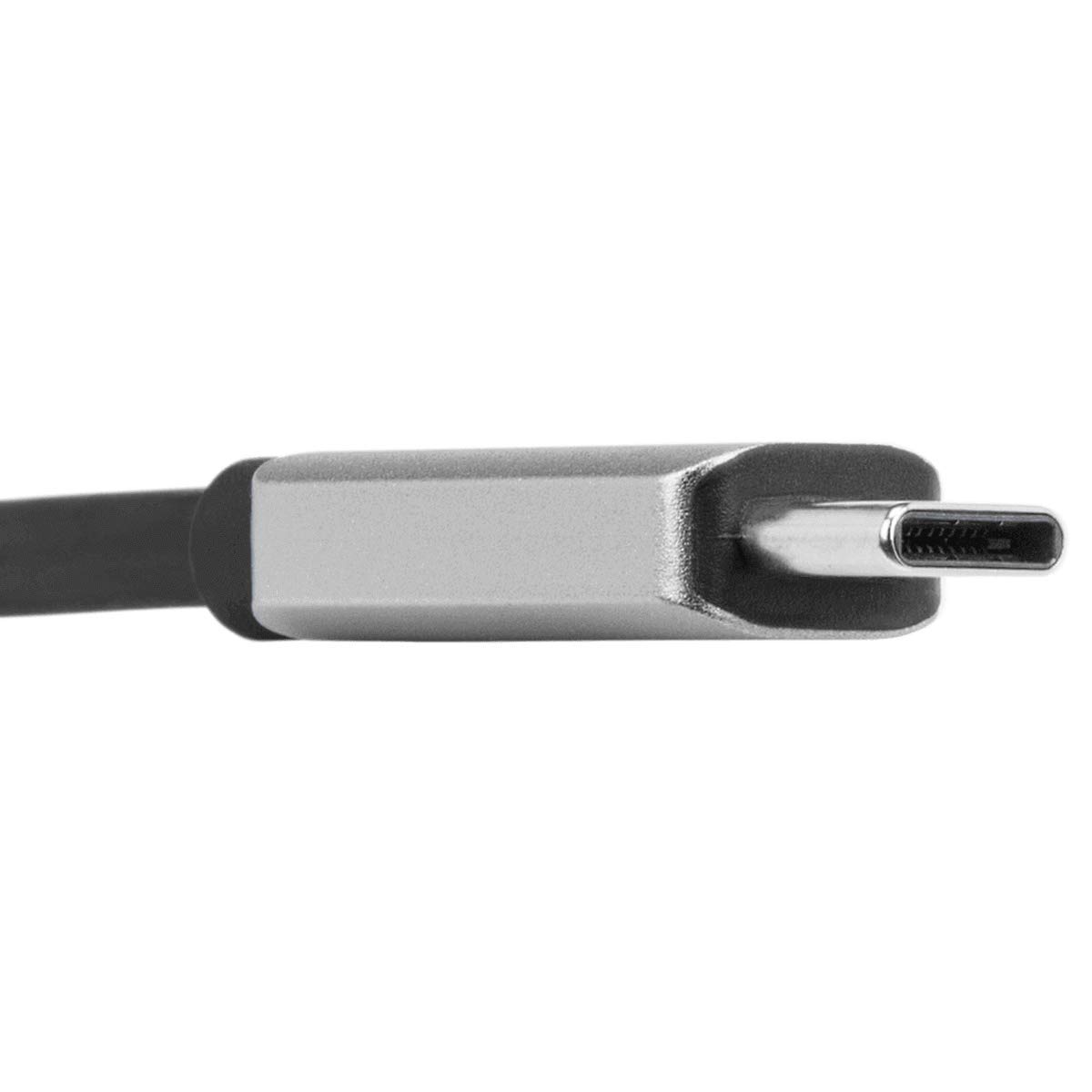
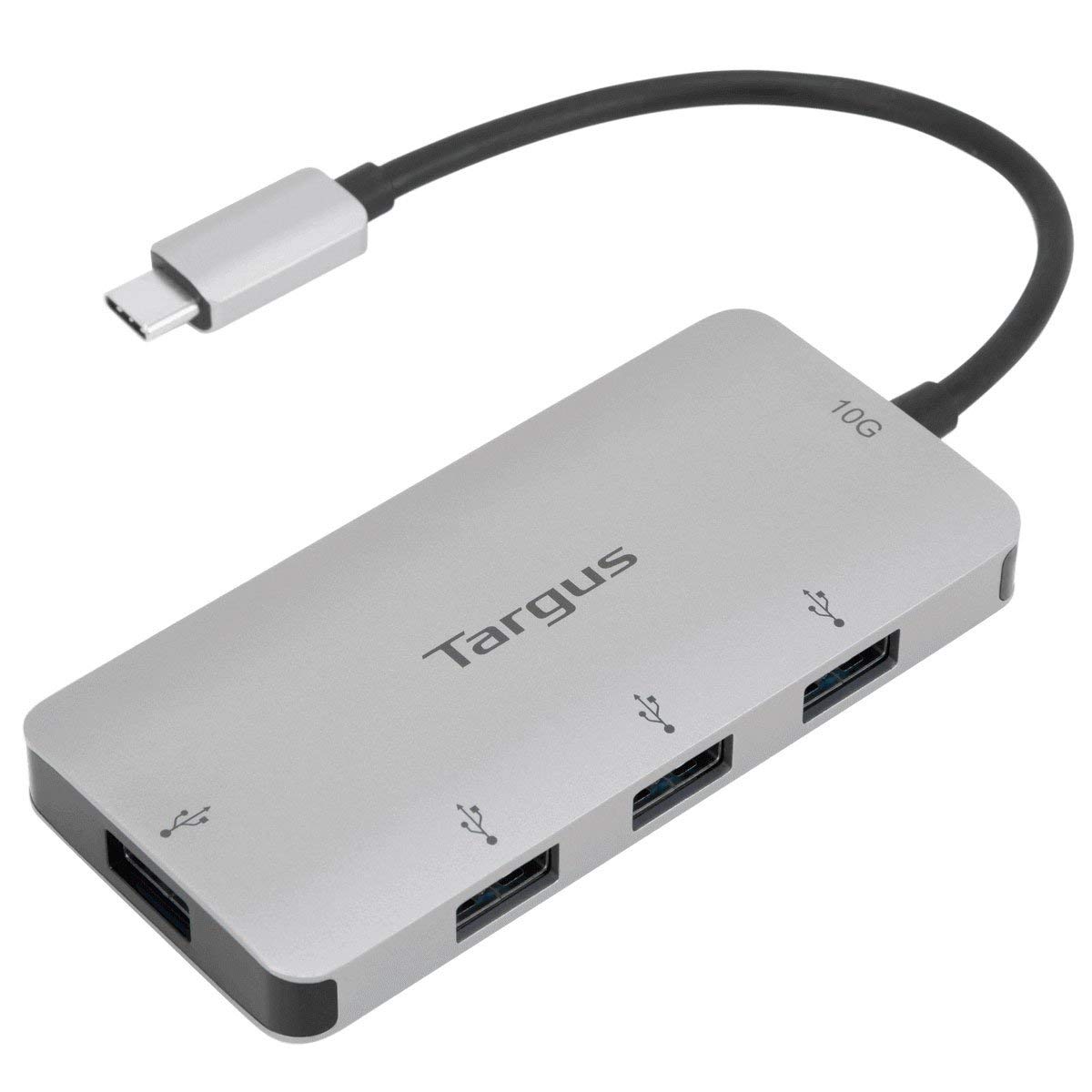
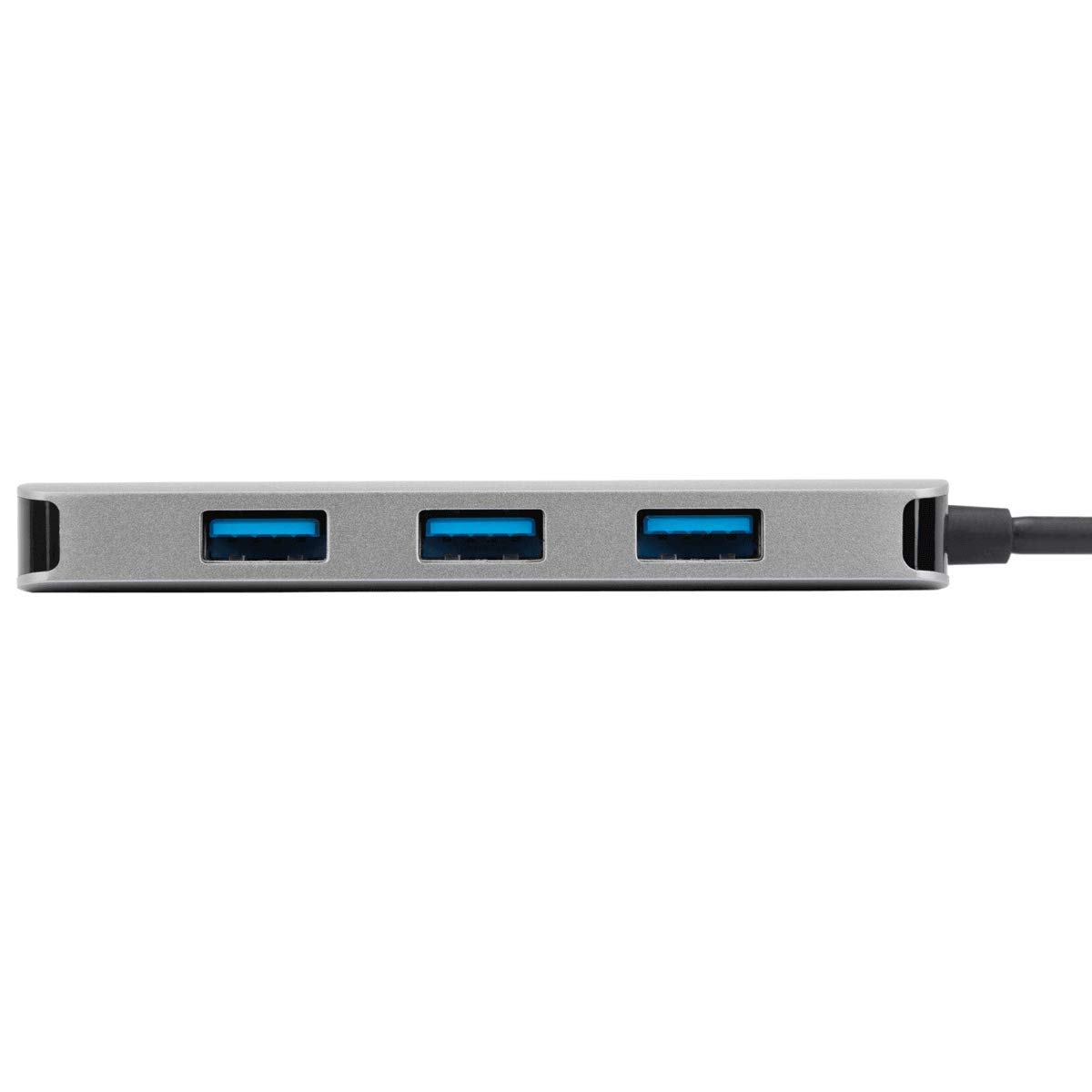
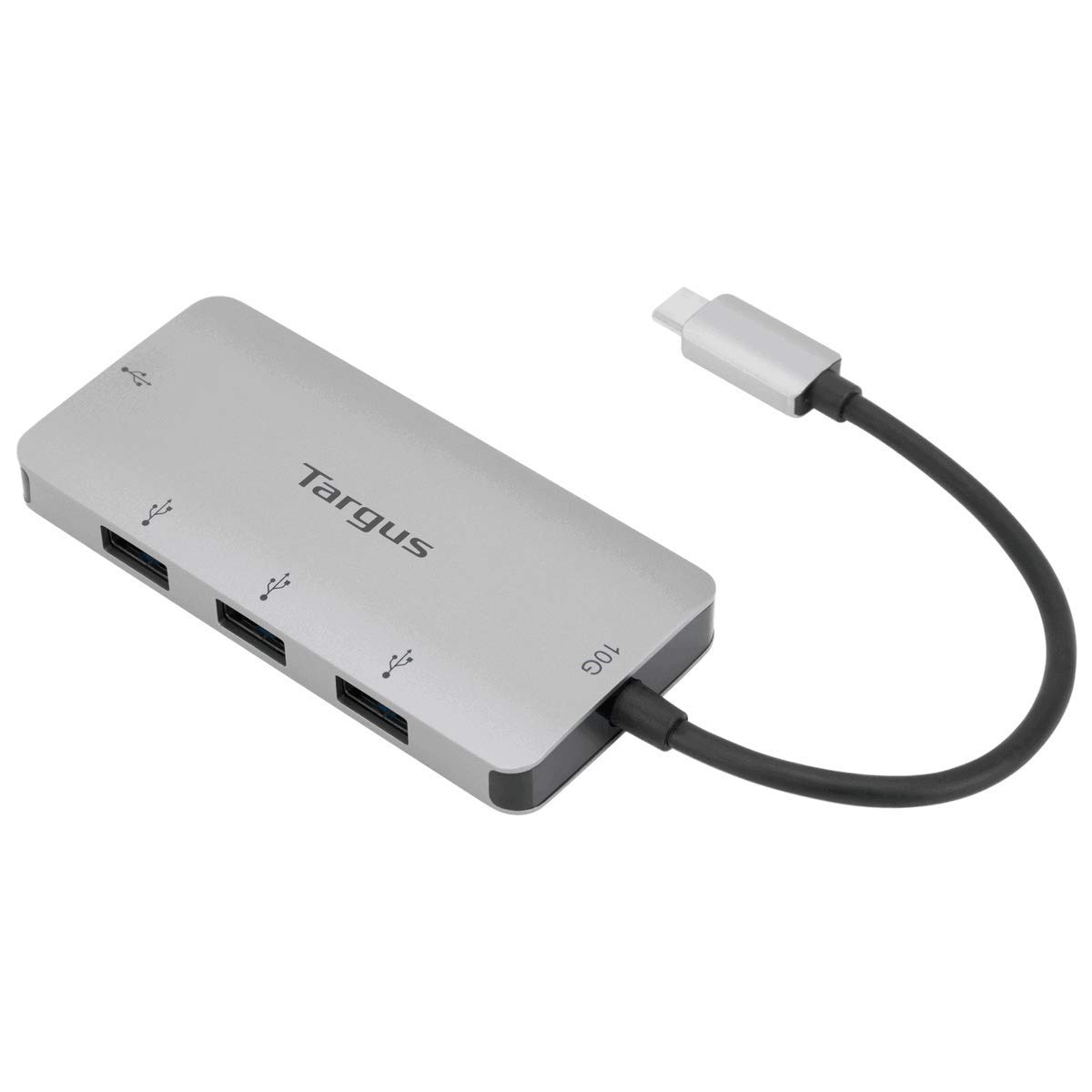
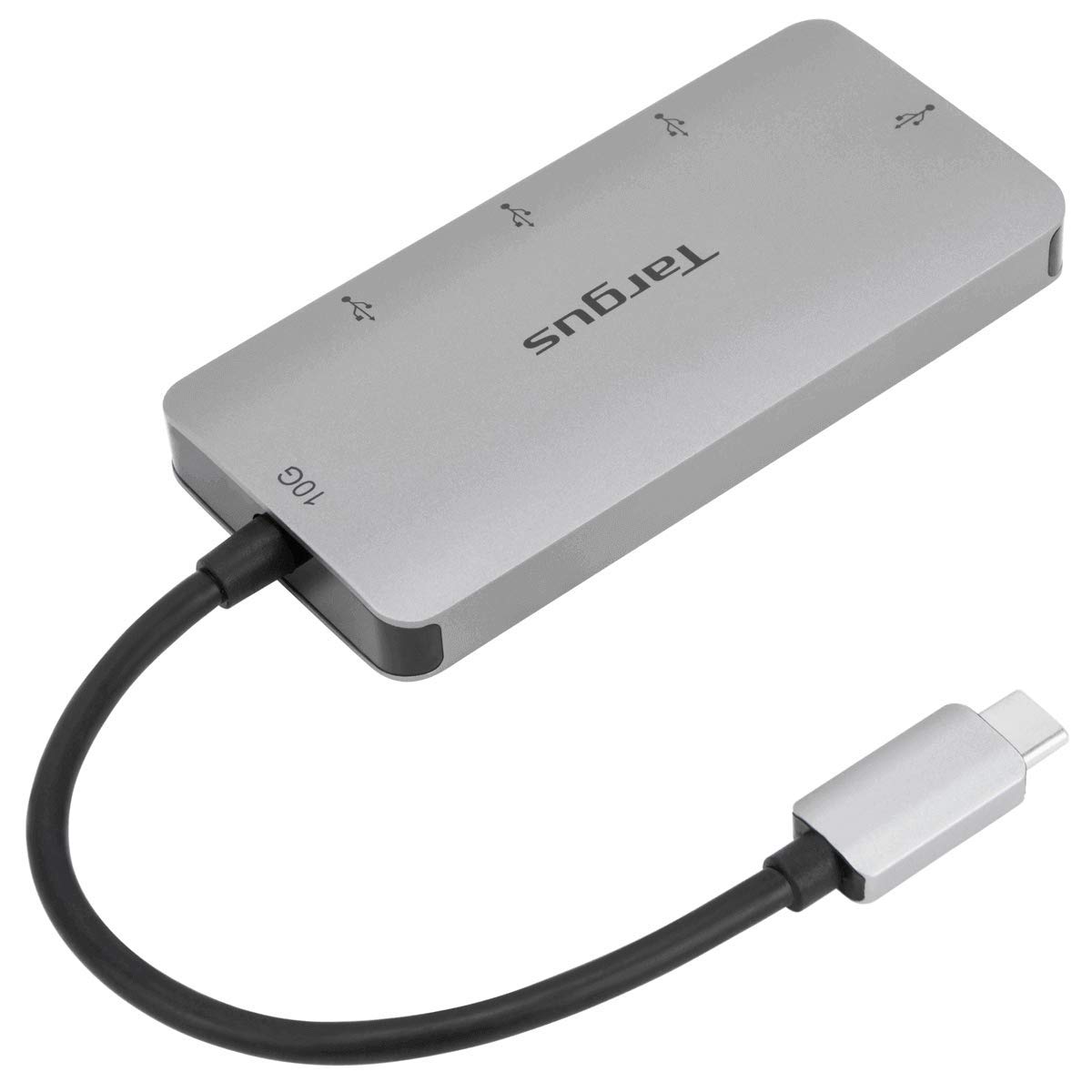
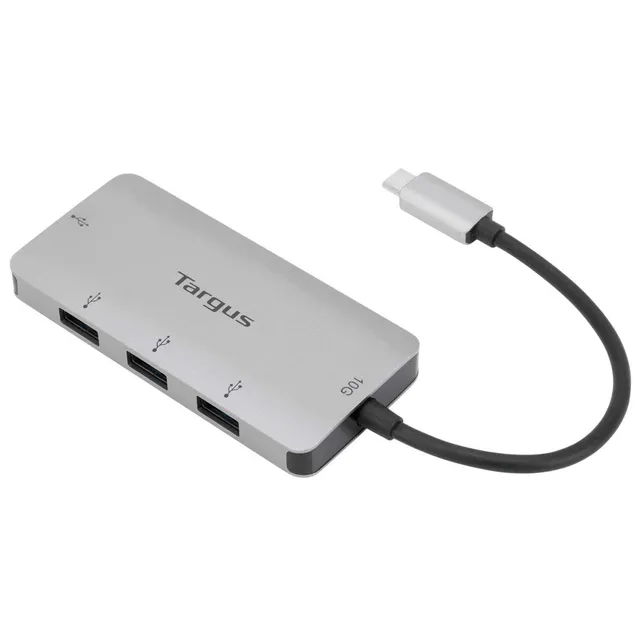
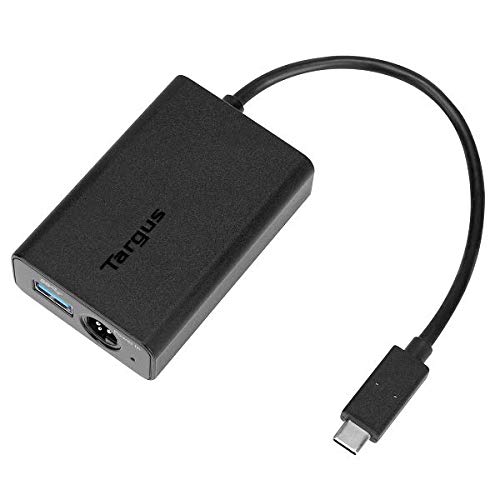
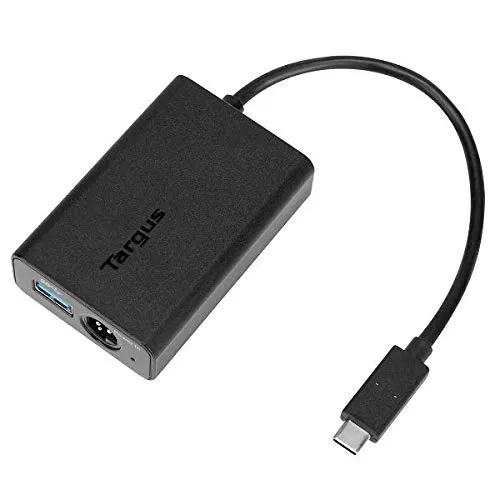
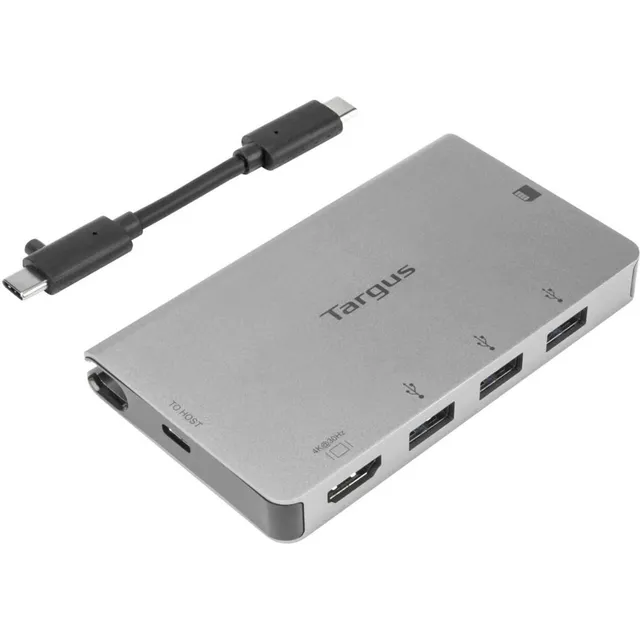
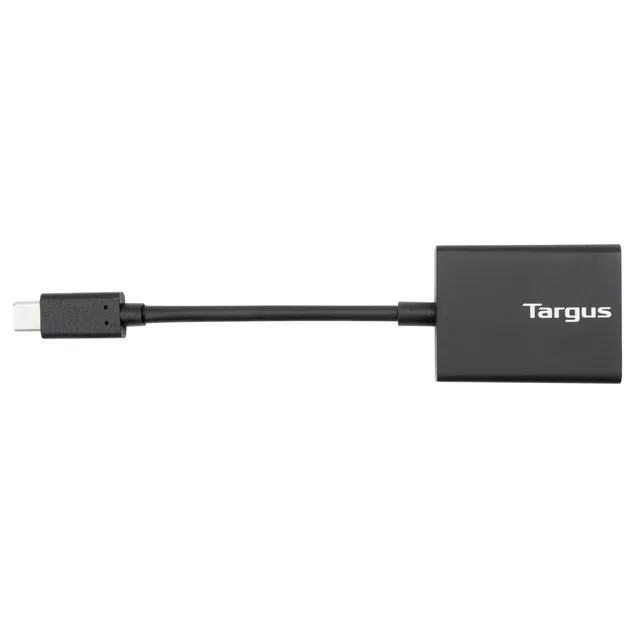
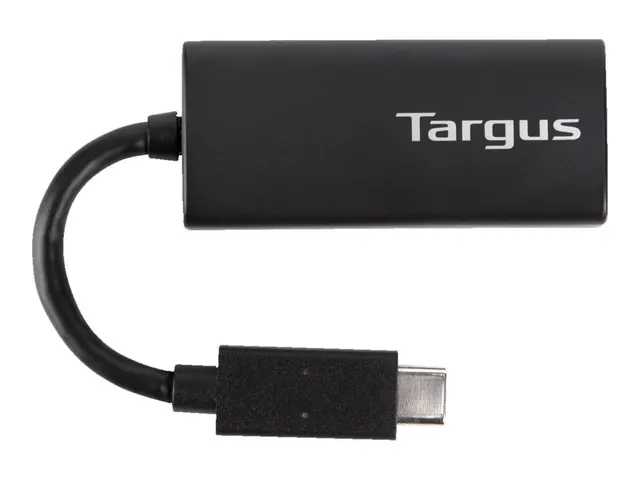
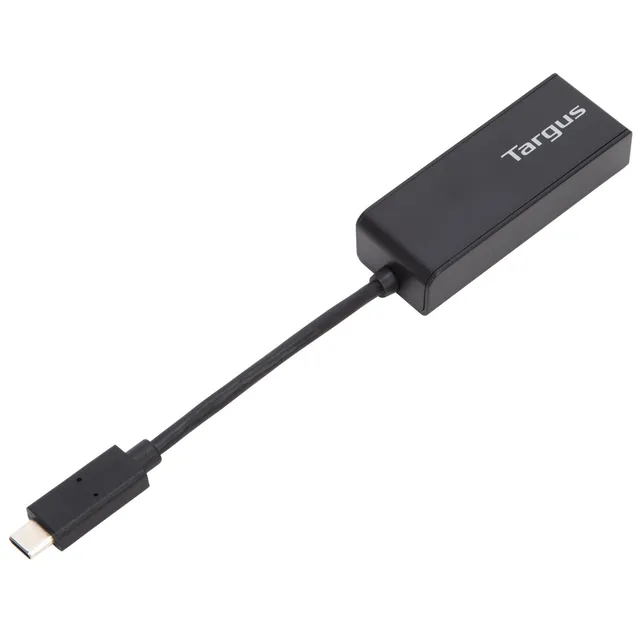
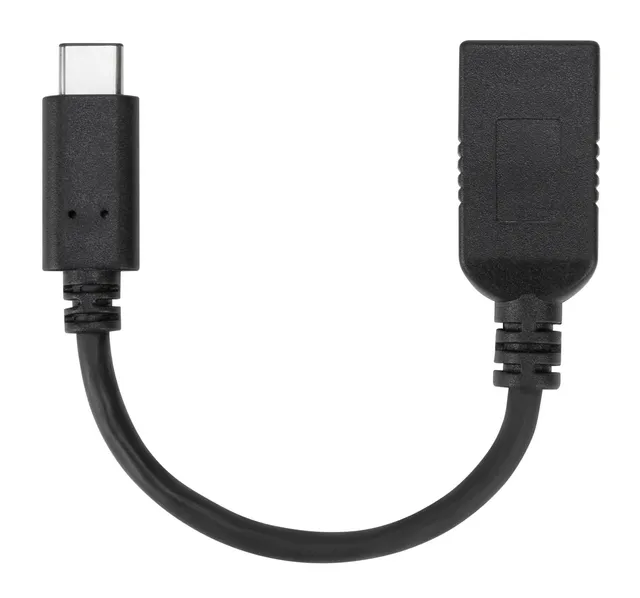
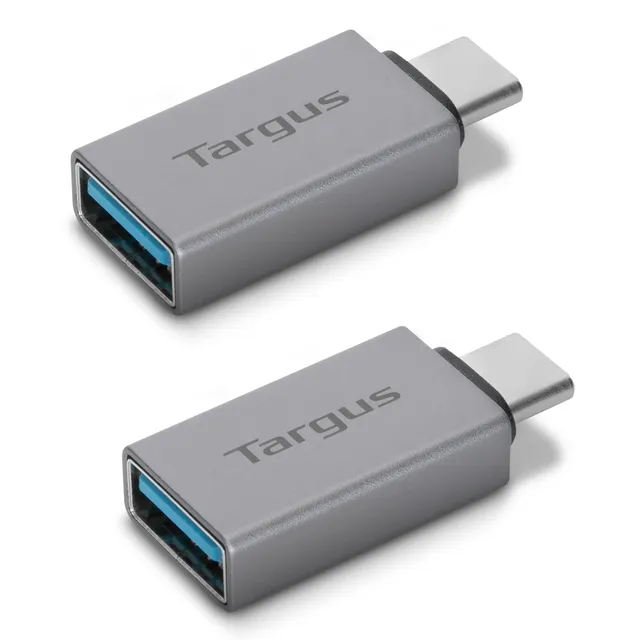
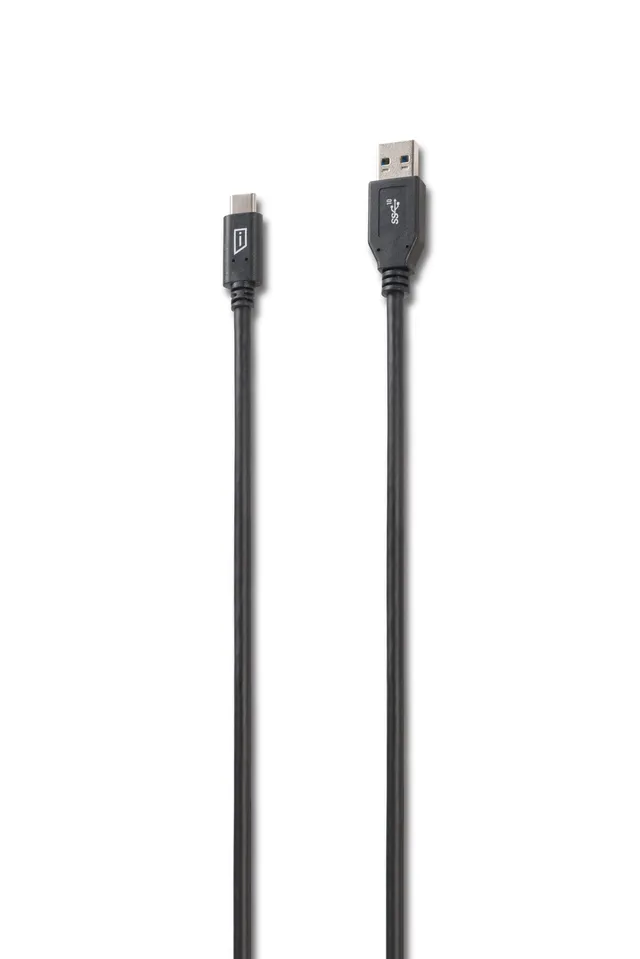
Turn one USB-C port into four USB-A 3.1 Gen 2 ports with the Targus USB-C Multi-Port Hub. This compact hub provides data transfer speeds up to 10Gbps and is backward compatible with USB 3.0 and 2.0. Perfect for connecting mice, keyboards, flash drives, and more. Now only $20 (compare at $39.99) – a 50% discount!
Specifications
Brand: Targus
Model: USB-C Multi-Port Hub with 4x USB-A Ports
Product Type: USB Hub
Ports: 4 x USB-A 3.1 Gen 2
Data Transfer Rate: Up to 10Gbps
Compatibility: Windows, macOS, Chrome OS
Output: Max 900mA per port
Key Features
Expands one USB-C port into four USB-A ports
10Gbps data transfer speed
Backward compatible with USB 3.0/2.0
Compact and lightweight
Plug-and-play
Use Cases
Ideal for laptop users needing to connect multiple USB-A devices. Great for office, home, or travel to increase connectivity.
Comparison
Compared to other hubs, this Targus offers high speed and reliability at a budget-friendly price. This sale price is superb.
Deal Value
Save $19.99! Use coupon code SERENE15 for an additional 15% off. Free shipping over $45.
Features
Converts one USB-C port into four USB-A 3.1 Gen 2 ports for versatile connectivity.
Supports ultra-fast 10Gbps data transfer, perfect for large files.
50% discount: only $20 – great value for expanding your laptop's ports.
Cable: Tethered
Ports: 4 x USB-A 3.1 Gen 2
Model/Series: USB-C Multi-Port Hub
Power Output: Max 900mA per port
Product Type: USB Hub
Compatibility: Windows, macOS, Chrome OS
Data Transfer Rate: 10Gbps
Seller: SereneShade
Product Details
Expand Your Connectivity
Targus USB-C Hub is the perfect solution for laptops with limited ports. With 4 USB-A ports and 10Gbps speed, you can connect all your peripherals at once. At $20, it's an affordable upgrade. Use SERENE15 for extra savings!
Why Choose Targus?
Trusted brand for reliable connectivity. This hub offers high performance and convenience at an unbeatable price.
Frequently Asked Questions
What are the speed limits when all ports are used?
When multiple devices are connected, the bandwidth is shared. Each port can still handle up to 10Gbps total, but if all are active, speeds may be lower depending on the devices.
Why is my Targus multiport hub slow when 4 devices are connected?
When multiple high-speed devices are connected simultaneously, the total bandwidth is shared. Also, if one device is slower (USB 2.0), it may bottleneck the hub. Ensure all devices are USB 3.0 or higher for optimal speed.
Where can I buy the Targus USB-C Hub at the best price?
You can buy it here for just $20, which is 50% off the original $39.99. Use coupon code SERENE15 for an extra 15% off.
Is this hub compatible with my MacBook?
Yes, it works with macOS, Windows, and Chrome OS systems with a USB-C port.
Does the hub require external power?
No, it is bus-powered and draws power from the USB-C port. For high-power devices, you may need a powered hub.
3.6★★★★★★★★★★(5)
5 ★1
4 ★2
3 ★1
2 ★1
1 ★0
Customer Reviews
5
★★★★★★★★★★4.0
w*j
Verified
Works great
This hub is solid. I use it to connect my mouse, keyboard, and external drive to my MacBook. Fast transfer speeds, no lag. For $20, it's a great deal.
★★★★★★★★★★5.0
a*p
Verified
Perfect for my setup
I needed extra USB-A ports for my laptop, and this hub does the job perfectly. It's plug-and-play, no drivers needed. The 10Gbps speed is a bonus. Highly recommend.
★★★★★★★★★★3.0
q*q
Verified
Decent but gets warm
It works as expected, but it gets noticeably warm when I'm transferring large files. Also the cable is a bit short. For the price, it's acceptable.
★★★★★★★★★★4.0
j*d
Verified
Good value
Compact and functional. I've tested all four ports with various devices and they all work. The build quality feels a bit plasticky, but for the discount, I can't complain.
★★★★★★★★★★2.0
b*x
Verified
Stopped working
It worked for a few days, then my computer stopped recognizing it. I tried different devices and it just doesn't work. I'm returning it.